
Save your card and let your domains renew on their own
Updated: 2026-11-08 · YaDominios
In YaDominios you save your card in My invoices, under My card (it's also in Settings). With a saved card and auto-renewal on, we charge your default card 30 days before expiration and the domain renews on its own. If the charge doesn't go through, we email you a link to pay.
Where to find My card
Sign in to your dashboard and open My invoices: My card is right at the top. The same section is also in Settings. There you'll see your saved cards with their brand, last four digits, and expiration date.
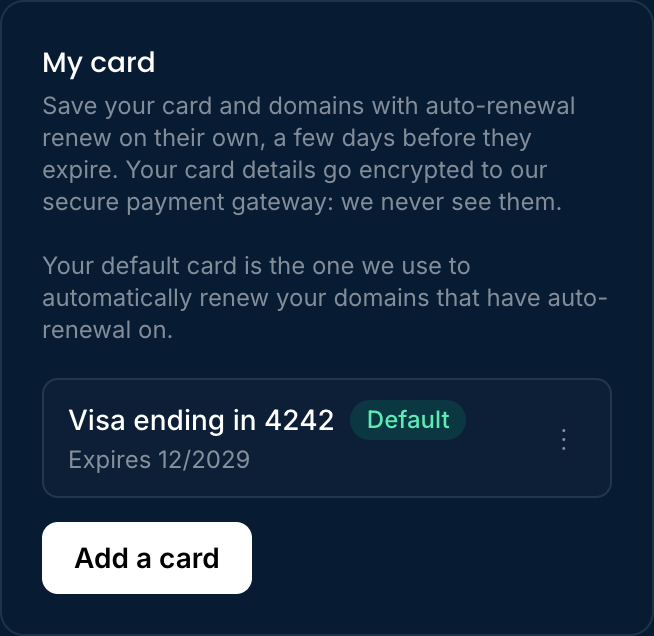
Add a card
- Tap Add a card. The secure card form opens right below, on the same page: you never leave your dashboard.
- Enter the card number, expiration date, and security code, then tap Save card. Changed your mind? Tap Cancel.
- If your bank asks you to verify it's you, its window opens on top of the page. Confirm there and you're done.
- You'll see the green message "Done: your card is saved." and the card shows up in your list.
Adding a card doesn't charge anything. Your card details go encrypted straight to our secure payment gateway: we never see your full card number or security code. If something doesn't go through (a mistyped number or an expired card, for example), we tell you right there in plain words.
Your default card
The first card you save becomes your Default card. It's the one we use to renew your domains automatically. If you have several, open the three-dot menu on the one you want and tap Make default.
Remove a card
Open the card's three-dot menu and tap Remove card. We ask you to confirm first. If you remove your default card, your next saved card becomes the default; if you have none left, we'll email you a payment link for each renewal.
How auto-renewal works
Each domain's page has an Auto-renewal switch. When it's on and you have a saved card:
- 30 days before expiration, we charge the renewal price to your default card. If it doesn't go through, we try again after 1, 3, and 7 days.
- If the charge goes through, the domain renews and you get an email with the new date and your receipt.
- If it doesn't (for example, your bank asks to confirm the payment or the card has expired), you get an email with the reason and a link to pay the invoice. You won't lose your domain over it: you still get every reminder.
We never charge the same renewal twice. If you already paid with the link, we don't charge your card.
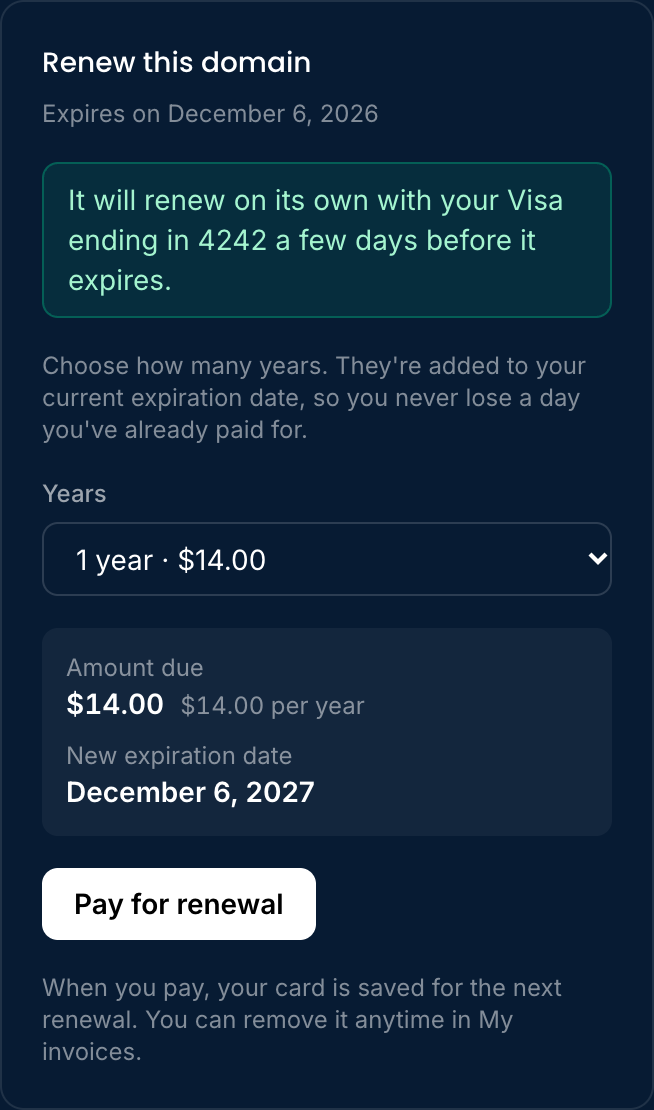
Paying a renewal saves your card
When you renew a domain with the Pay for renewal button, the card you pay with is saved for the next renewal. You can remove it anytime in My card.
Always in sight: the Renew button
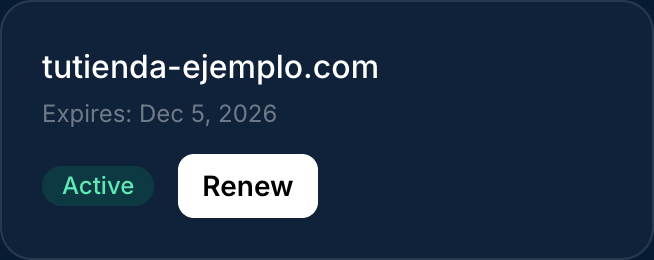
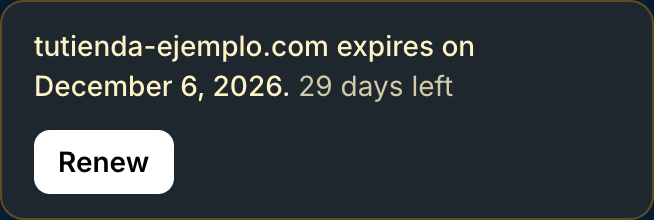
When a domain has 60 days or less left (or has expired but can still be renewed), a Renew button shows up in My domains and a banner appears on your Overview. The button takes you straight to the payment section. So does the "Renew it now" button in our expiration emails.
Frequently asked questions
Does adding a card charge me anything?
No. Saving a card doesn't charge anything. You're only charged when you renew a domain, or when auto-renewal is on and the expiration date is near.
Can you see my card details?
No. They're stored by our secure payment gateway. In your dashboard you only see the brand, the last four digits, and the expiration date.
What if the automatic charge doesn't go through?
You get an email with the reason and a link to pay the invoice. The domain doesn't renew until the payment completes, and you keep getting the expiration reminders.
Can I turn auto-renewal off?
Yes. Each domain's page has the switch. When it's off, we never charge you on our own: we email you and you decide when to renew.